[Most Recent Entries] [Calendar View]
Thursday, August 14th, 2014
| Time | Event |
| 4:25a | ASUS ROG Z97 Maximus VII Impact Officially Launched
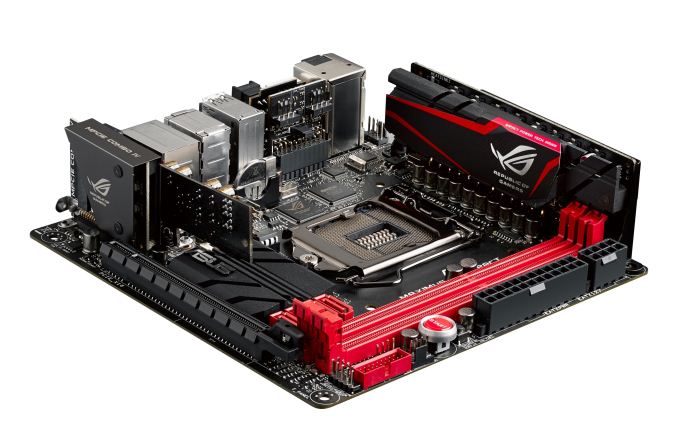
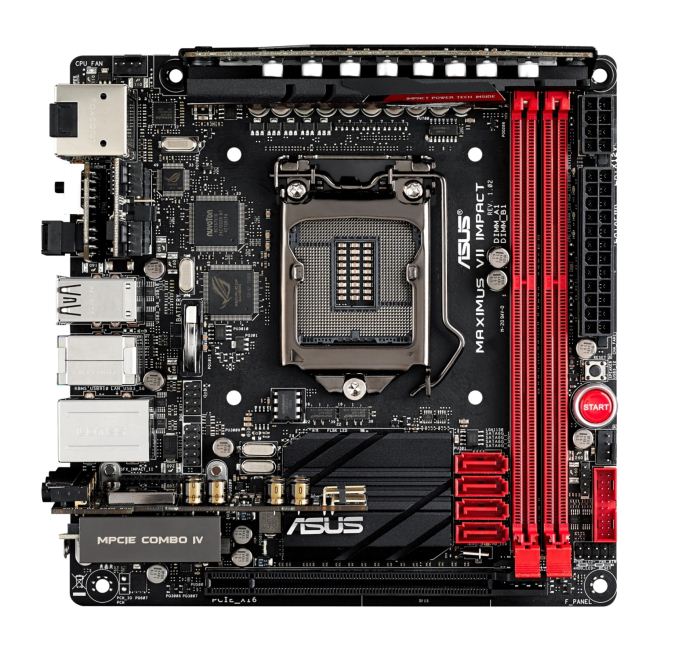
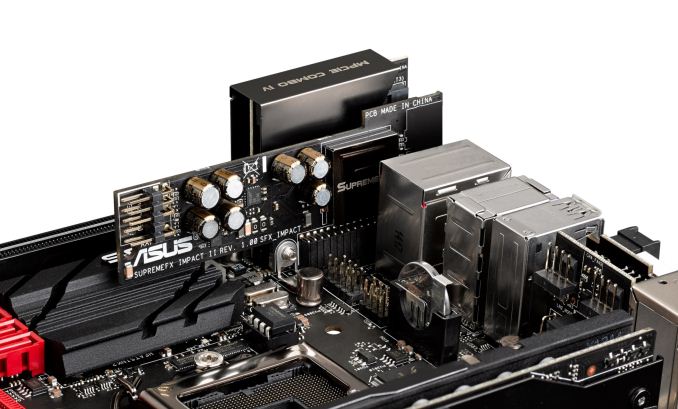
One of the highlights of ASUS’ ROG Computex Press Event was the announcement of the Maximus VII Impact, the successor to the popular mini-ITX ROG Impact range of motherboards. Today the motherboard is officially released from ASUS HQ, with stock coming to regions shortly. We reviewed the Maximus VI Impact last year and was appropriately impressed by the effort to include so many features in the mini-ITX platform – ASUS is hoping that this Z97 upgrade kicks it up a notch. Similar to the Maximus VI, the order of the day is extra PCBs in order to add features. The power delivery is upgraded to the ROG 9-series design, and the audio add-on SupremeFX card moves up with fewer filter caps in a more optimized output. The mPCIe Combo moves up to revision four which includes a PCIe 3.0 x4 M.2 slot and a mini-PCIe slot with a bundled 802.11ac dual band WiFi module. Note that when the M.2 slot is occupied, the PCIe slot will reduce to PCIe 3.0 x8, although our previous testing of a similar feature shows no frame rate difference at 1080p.
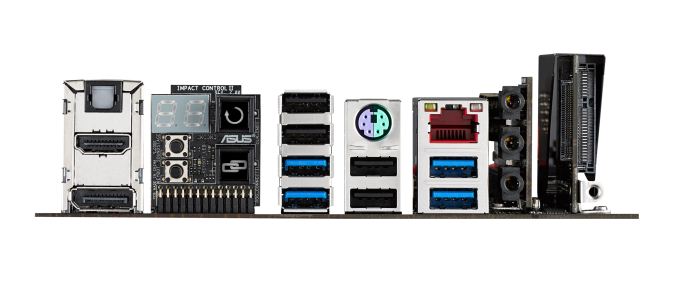
The Impact Control on the rear panel uses the same two-digit debug as the previous version, along with ROG Connect and a Clear CMOS button, but the two buttons included are for the KeyBot and SoundStage functionality introduced with the Maximus VII range. KeyBot is a feature to enable macros with any keyboard with the ASUS software, and SoundStage acts as a configurable op-amp that modifies various aspects of the audio output to be more suited for various styles of gaming. Interestingly enough the rear of the Impact Control is another PCB, holding two 4-pin fan headers to compliment the 4-pin CPU fan header on the top left and the chassis header on the right of the motherboard. Also of note is the rear panel, where a single block of USB ports uses two USB 3.0 ports and two USB 2.0 ports – this configuration I have not seen on a motherboard before and could pave the way for something on most motherboards for the future.
The DRAM slots use single side latches on the power delivery side, and the power connectors are gladly on the outsides of the motherboard. This follows the start button, a fan header and a USB 3.0 header. The front panel header is also on the right side of the DRAM slots. The SATA 6 Gbps ports are unfortunately just inside the DRAM slots and all in the same direction, perhaps causing issues with trying to remove locking cables. The socket area is up against Intel specifications, suggesting that CPU coolers might be up against the power delivery or tall memory modules. The audio is buffeted by Sonic Rader II, an onscreen representation of directional audio, and networking comes via the 802.11ac WiFi and an Intel I218-V with GameFirst III.
We are awaiting information from ASUS’ US office for pricing and availability. |
| 6:00a | be quiet! Power Zone 850W CM Power Supply Review be quiet! is a German company that specializes in low-noise computer PSUs and coolers, and they are slowly making their way into the North American market. Today we have their Power Zone 850W CM in our labs for review, an apparently popular but expensive power supply. Read on to see if it warrants the high price. |
| 12:00p | HTC Launches Zoe Beta: Hands On and First Impressions
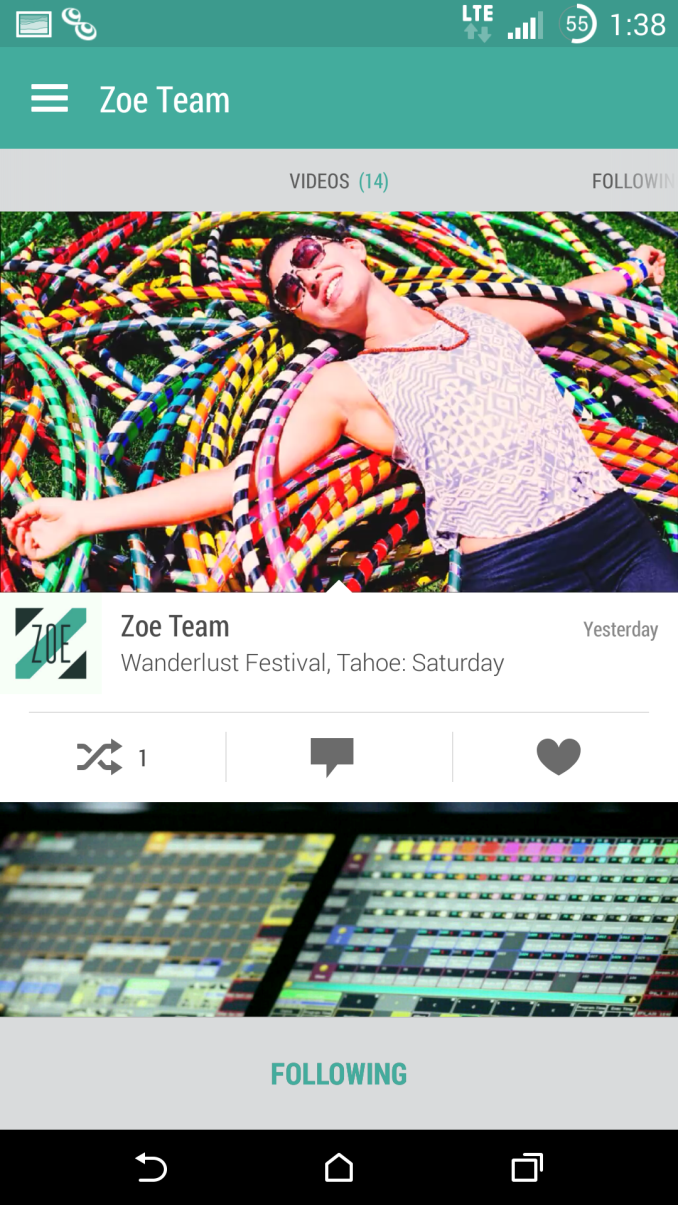
Today, HTC is finally launching their Zoe application. Normally, such an announcement is rolled into a smartphone launch, but the launch of this application is one of the first to stand alone. In fact, this is the first application launched by HTC Creative Labs. As a result, the vision and strategy behind this application is dramatically different from HTC's existing hardware and software divisions.
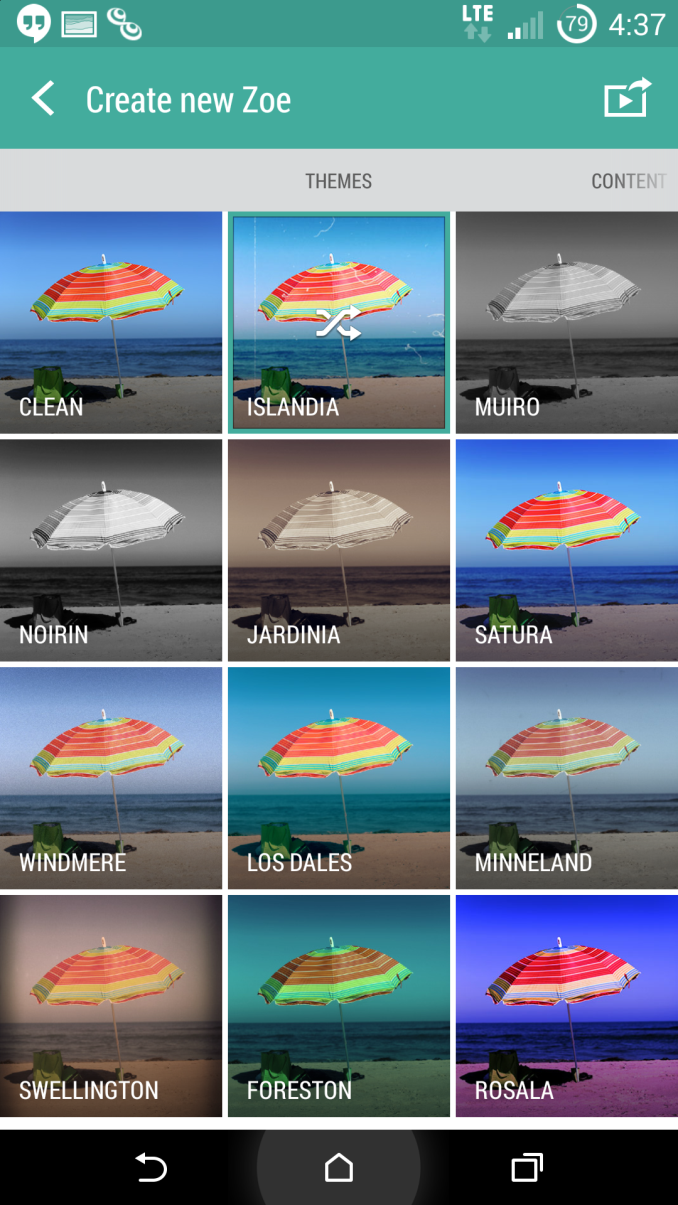
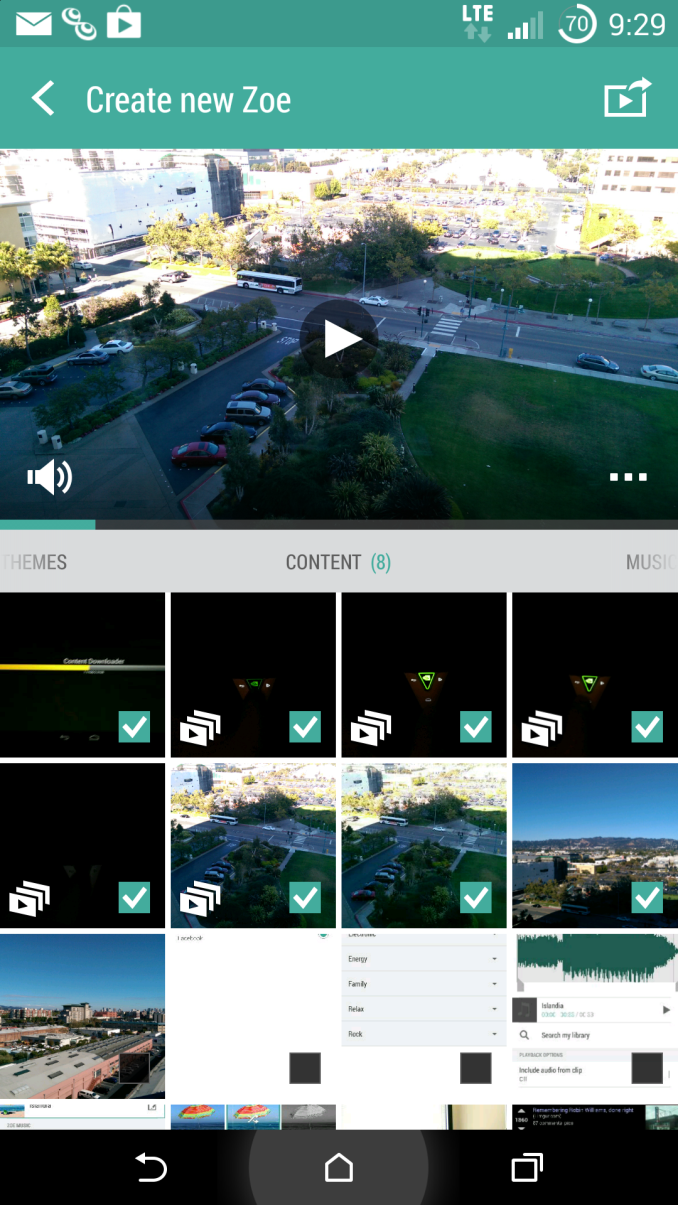
But before we dive into what this means for HTC, it's important to see what this application is. In short, Zoe is the culmination of multiple pieces of HTC Sense, packaged into a single application. It integrates the video highlights feature first introduced in Sense 5, and effectively brings back the HTC Share application which disappeared with the launch of the One (M8). For those that haven't kept up with what these features are, video highlights was an extension of the gallery application in HTC Sense, which allowed for automatic creation of ~30 second highlight reels. These highlight reels were automatically set to music with specific cuts and animations based upon the theme selected. HTC Share was simply a method to present highlight reels and all of the photos/Zoes used in a highlight reel over social media. Both of these were well-received when they first launched, and even now they're good features to have.
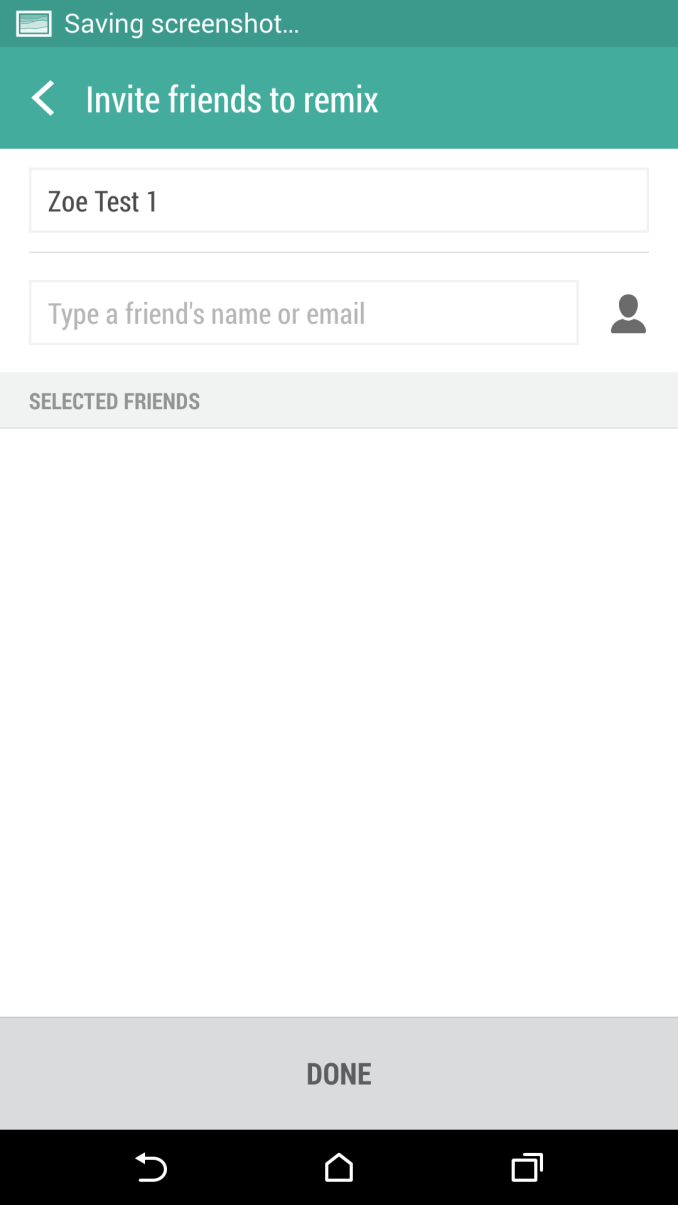
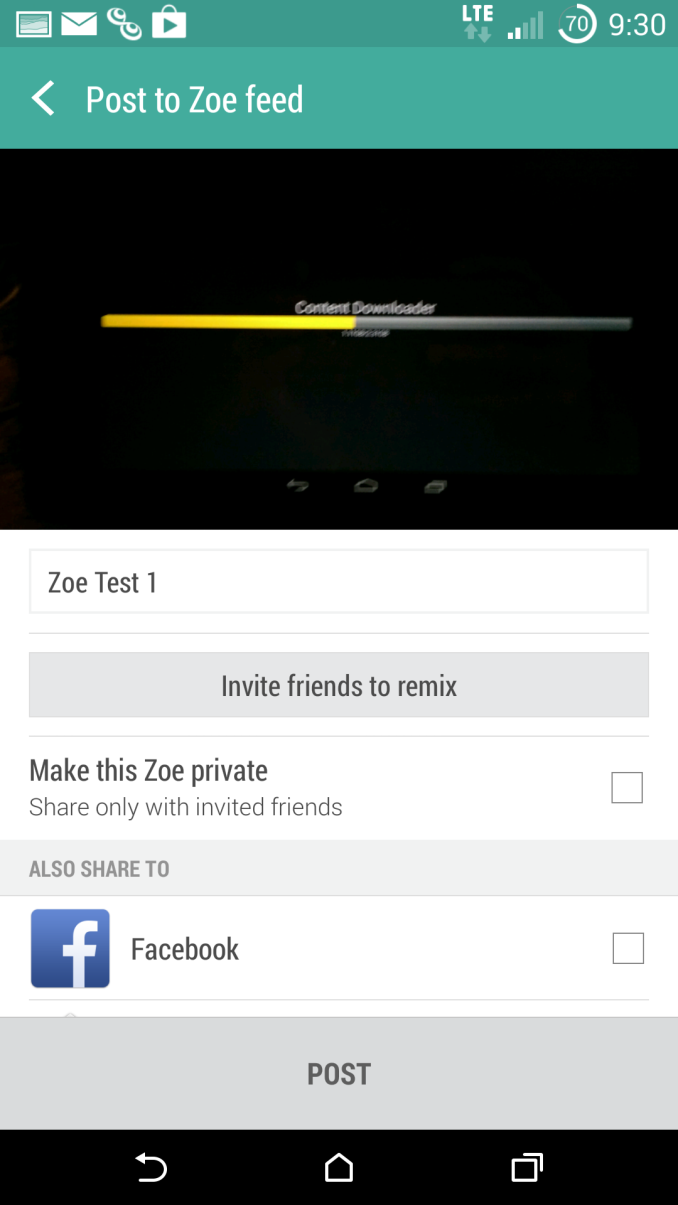
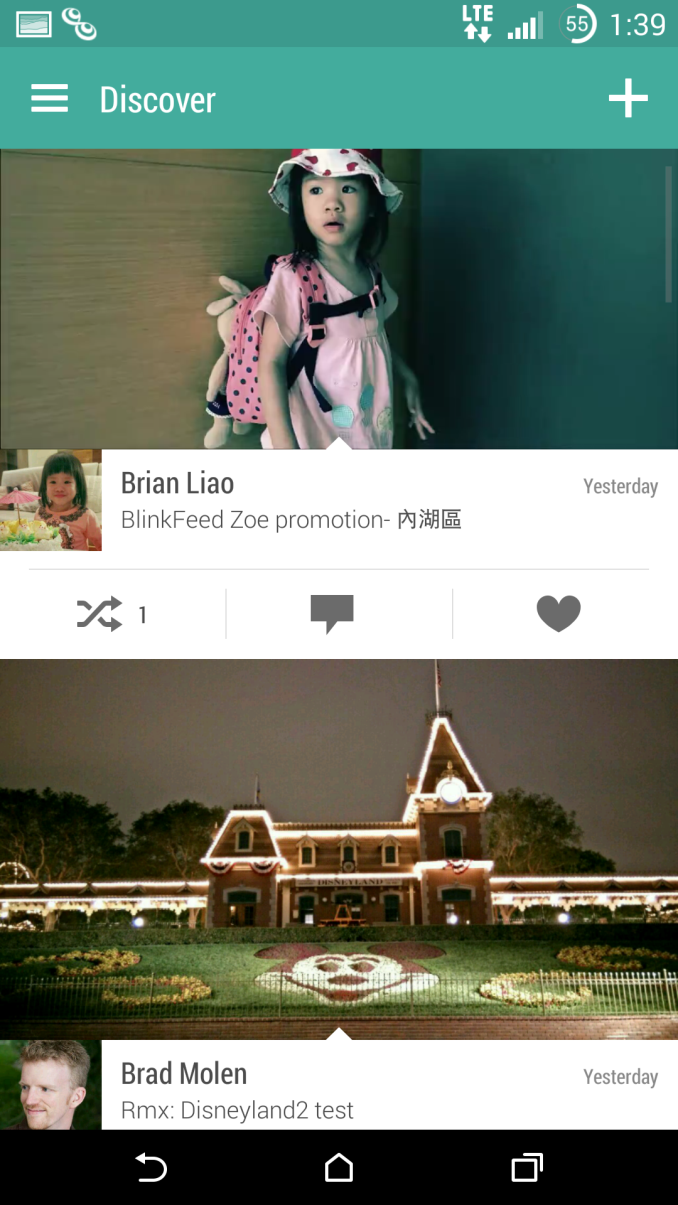
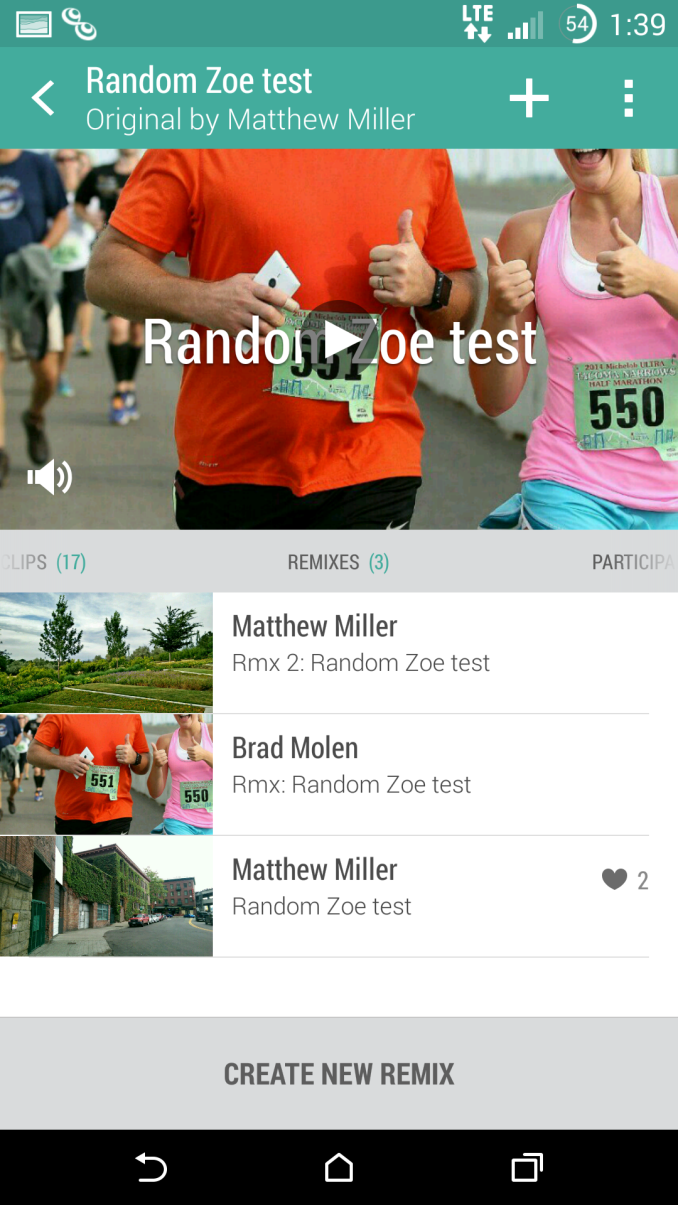
There's definitely more to Zoe though, as HTC has integrated a social network aspect with the ability to collaborate and remix other people's videos. While viewing highlight reels from friends using the Zoe network is expected, HTC has also integrated a discovery feature to see highlight reels from other people. In summary, the Zoe application brings HTC's video highlights feature and HTC Share to smartphones running Android 4.4 and adds a social network aspect on top.
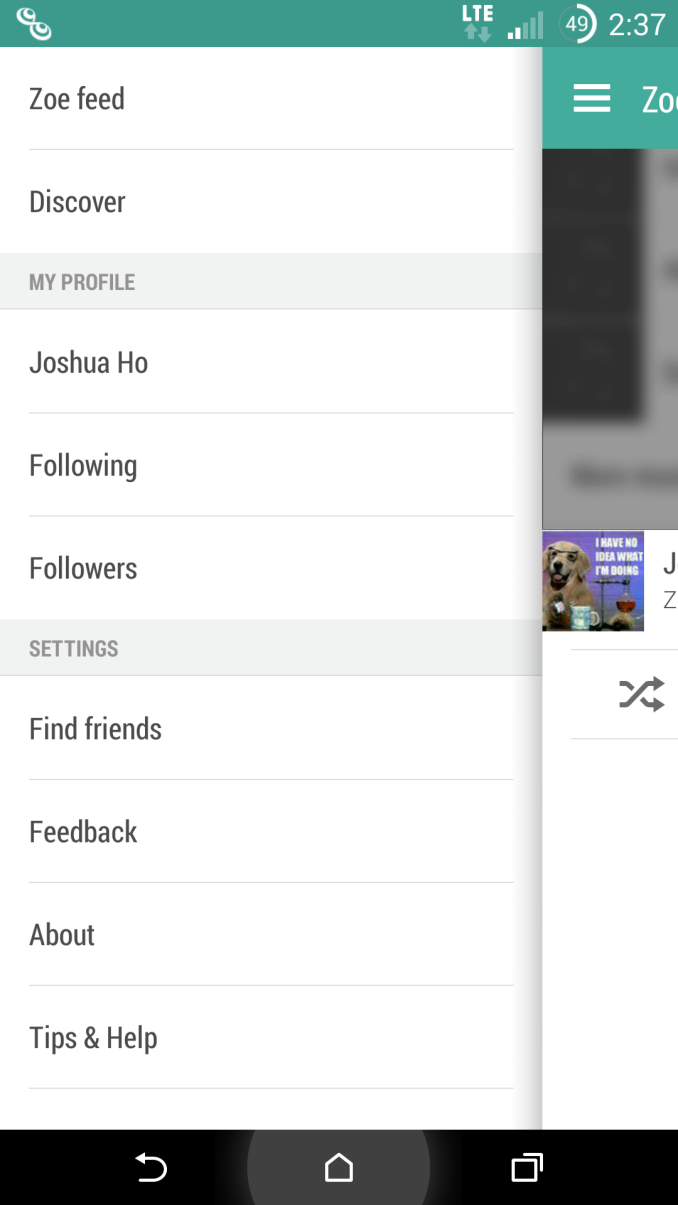
In practice, it works just as expected in theory. HTC has done a surprisingly good job of bringing the Sense 6 UX to devices like the Galaxy S5, although some aspects like the status bar don't carry over perfectly. HTC has done a good job of providing a small taste of the well-designed HTC Sense 6 UI without removing major selling points from HTC devices. HTC emphasized that the major goal for this application was to become widely adopted, as while these features were good selling points for HTC hardware there was no real way to add a social network on top without making these features available to non-HTC devices.
In discussions with HTC, it seems clear that they are prioritizing user experience first over a monetization strategy. This is made clearer by the fact that there aren't any in-app purchases at this point in time. Of course, there are plenty of possibilities in this area once Zoe becomes widely adopted. Premium themes and music, along with in-app advertising were all mentioned as ways that HTC could bring in revenue. While HTC wasn't clear on how this would drive hardware sales, it wouldn't be surprising to see features exclusive to HTC devices in the future. It's surprising how far HTC has come in their software design, and I wouldn't be surprised to see this take off. Even if people aren't interested in the social networking aspect, the ability to create highlight videos and share them on pre-existing social networks is quite compelling. The social features also have great potential in situations where multiple people attend an event and take photos and videos on multiple devices. However, it's not quite clear whether this will gain the popularity of applications like Instagram and Twitter, and even if that happens it's currently hard to see the benefits to HTC's hardware division. As of publication, the HTC Zoe Beta is available on the Play Store. HTC has stated that Android 4.4 devices should be compatible with this application although there may be additional restrictions. |
| 7:00p | Isolated Internet Outages Caused By BGP Spike
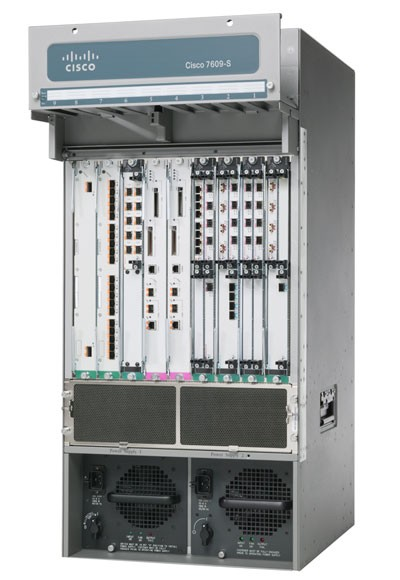
The day was Tuesday, August 12th 2014. I arrived home, only to find an almost unusable internet situation in my home. Some sites such as AnandTech and Google worked fine, but large swaths of the internet such as Microsoft, Netflix, and many other sites were unreachable. As I run my own DNS servers, I assumed it was a DNS issue, however a couple of ICMP commands later and it was clear that this was a much larger issue than just something affecting my household. Two days later, and there is a pretty clear understanding of what happened. Older Cisco core internet routers with a default configuration only allowed for a maximum 512k routes for their Border Gateway Protocol (BGP) tables. With the internet always growing, the number of routes surpassed that number briefly on Tuesday, which caused many core routers to be unable to route traffic. BGP is not something that is discussed very much, due to the average person never needing to worry about it, but it is one of the most used and most important protocols on the internet. The worst part of the outage was that it was known well in advance that this would be an issue, yet it still happened. Let us dig into the root cause. Most of us have a home network of some sort, with a router, and maybe a dozen or so devices on the network. We connect to an internet service provider through (generally) a modem. When devices on your local network want to talk to other devices on your network, they do so by sending packets upstream to the switch (which is in most cases part of the router) and then the switch forwards the packet to the correct port where the other device is connected. If the second device is not on the local network, the packets get sent to the default gateway which then forwards them upstream to the ISP. At the ISP level, in simple terms, it works very similarly to your LAN. The packet comes in to the ISP network, and if the IP address is something that is in the ISP’s network, it gets routed there, but if it is something on the internet, the packet is forwarded. The big difference though is that an ISP does not have a single default gateway, but instead connects to several internet backbones. The method in which internet packages are routed is based on the Border Gateway Protocol. The BGP contains a table of IP subnets, and lists which ports to transfer traffic based on rules and paths laid out by the network administrator. For instance, if you want to connect to Google to check your Gmail, your computer will send a TCP connection to 173.194.33.111 (or another address as determined by your DNS settings and location). Your ISP will receive this packet, and send the packet to the correct port to an outbound part of the internet which is closer to the subnet that the address is in. If you then want to connect to Anandtech.com, the packet will be sent to 192.65.241.100, and the BGP protocol of the ISP router will then send to possibly a different port. This continues upstream from core router to core router until the packet reaches the destination subnet, where it is then sent to the web server.
With the BGP tables being overfilled on certain routers in the chain, packets send to specific routers would then be dropped at some point in the chain, meaning you would not have any service. The actual specifics of what happened seemed to be that Verizon unintentionally added approximately 15,000 /24 routes into the global routing table. These prefixes were supposed to be aggregated, but this didn’t happen, and as such, the total number of subnet prefixes in the table spiked. Verizon fixed the mistake quickly, but it still caused many routers to fail. Although you could be quick to jump and blame Verizon for the outage, it has to be noted that Cisco issued a warning to customers explaining that the memory which is allocated for the BGP table would be very close to being full, and gave specific instructions on how to correct it. This warning came several months ago. Unfortunately not all customers of Cisco heeded or received the warning, which caused the brief spike to cripple parts of the internet. Newer Cisco routers were not affected, because the default configuration for the TCAM memory which is designated for the BGP table allows for more than 512,000 entries. Older routers from Cisco have enough physical memory for up to 1,000,000 entries, assuming the configuration was changed as outlined by Cisco. The effects of outages like this can be quite potent on the internet economy, with several online services being unavailable for large parts of the day. However this outage doesn’t need to happen again, even though the steady state number of entries in the BGP table will likely exceed magic 512,000 number again. Hopefully with this brief outage, lessons can be learned, and equipment can be re-configured or upgraded which will prevent this particular issue from rearing its head again in the future.
Sources |


| << Previous Day |
2014/08/14 [Calendar] |
Next Day >> |