
|
|


Пишет AnandTech (![[info]](http://lj.rossia.org/img/syndicated.gif) syn_anandtech) syn_anandtech)@ 2013-01-18 13:30:00 |
 |
|
 |
|
|
|
|
|
|
 |
|
 |


Apple has the luxury of not competing at lower price points for its Macs, which makes dropping hard drives an easier thing to accomplish. Even so, out of the 6 distinct Macs that Apple ships today (MBA, rMBP, MBP, Mac mini, iMac and Mac Pro), only two of them ship without any hard drive option by default. The rest come with good old fashioned mechanical storage. Given the extremely positive impact an SSD has to user experience, it seems inevitable that Apple would move all of its systems to SSDs.
Moving something like the iMac to a solid state configuration is pretty tough to pull off however. While notebook users (especially anyone using an ultraportable) are already used to not having multiple terabytes of storage at their disposal, someone replacing a desktop isn’t necessarily well suited for the same.
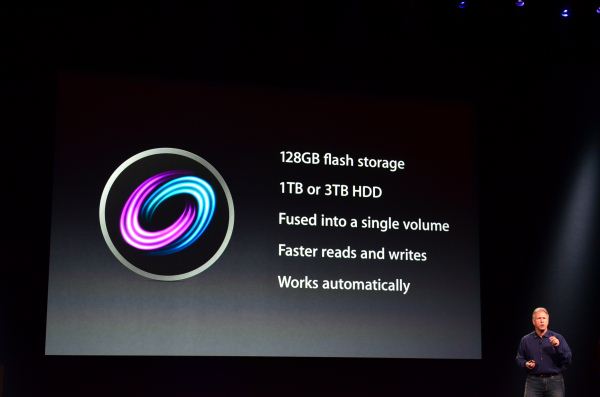
Apple’s solution to the problem is, at a high level, no different than all of the PC OEMs who have tried hybrid SSD/HDD solutions in the past. The difference is in the size of the SSD component of the solution, and the software layer.
I spent a month with Apple's Fusion Drive in the new 27-inch iMac. Read on to find out how it compares to other SSD caching solutions and if it can truly approximate a standalone SSD setup.

 |  |


